 PawnEasy Pro
Home · Gold loan app
Gold Loan App for Pawn Shops
What the Android app actually does at the counter — the pledge wizard, the camera, payments, reminders and receipts — and what it needs from you to do it.
The counter runs on the phone
PawnEasy Pro is an Android app and a web portal on the same books. This page is about the Android half — what it does while a customer is standing at the counter, and what it needs from you to do it. If you want the desktop side, that is the web portal.
Everything below exists in the app today. Nothing here is planned or coming.
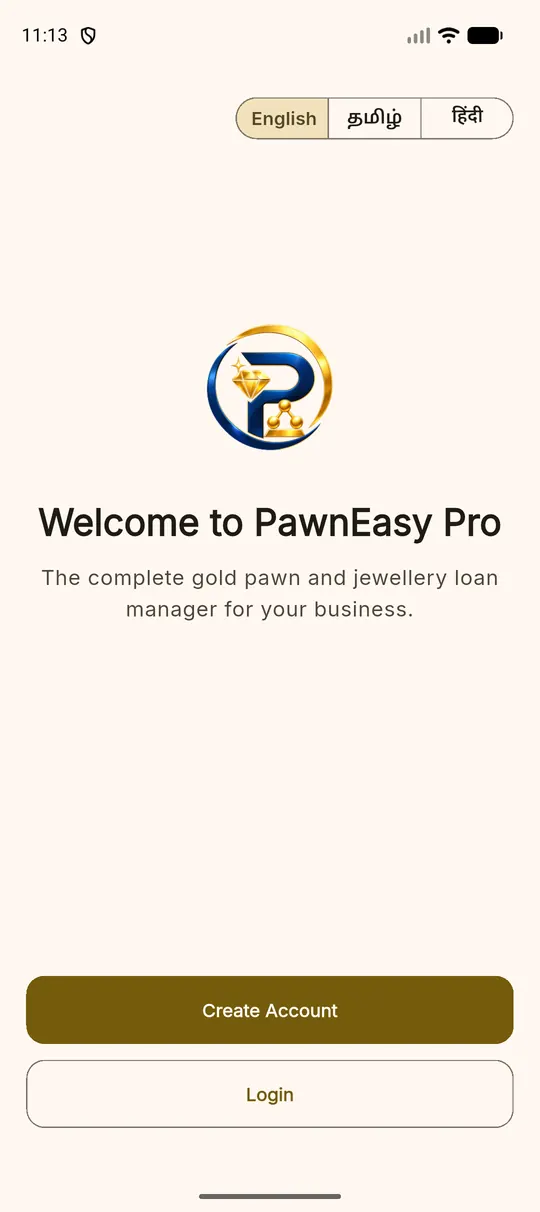
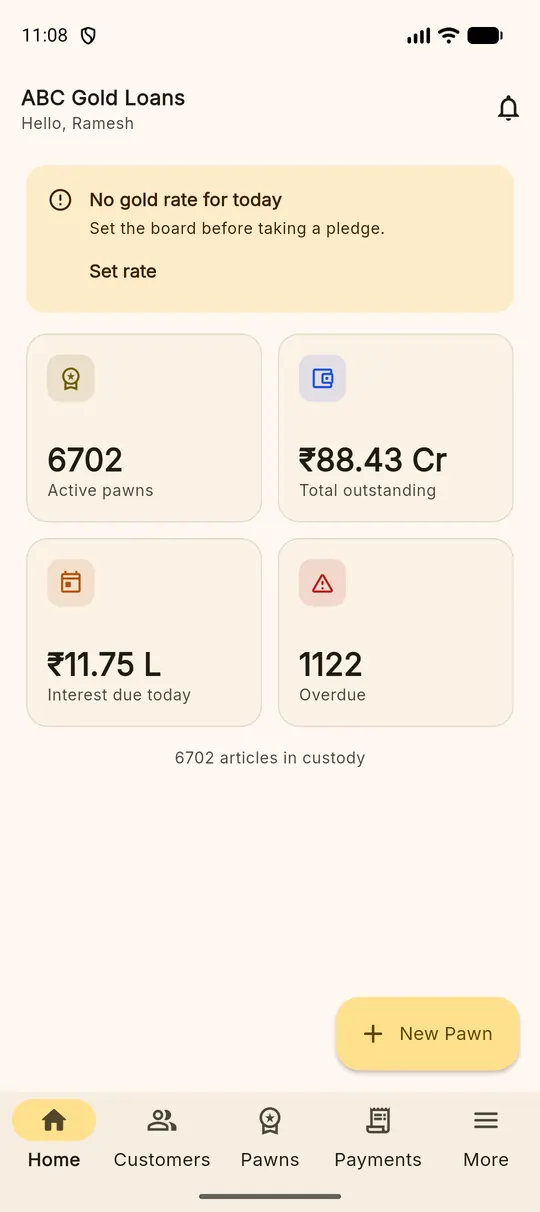
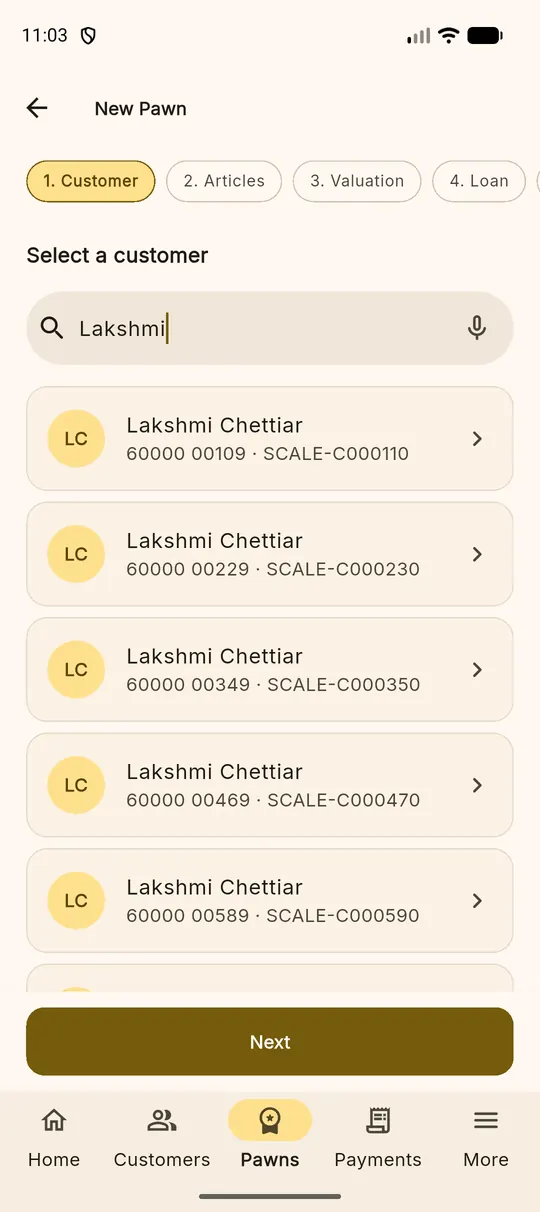
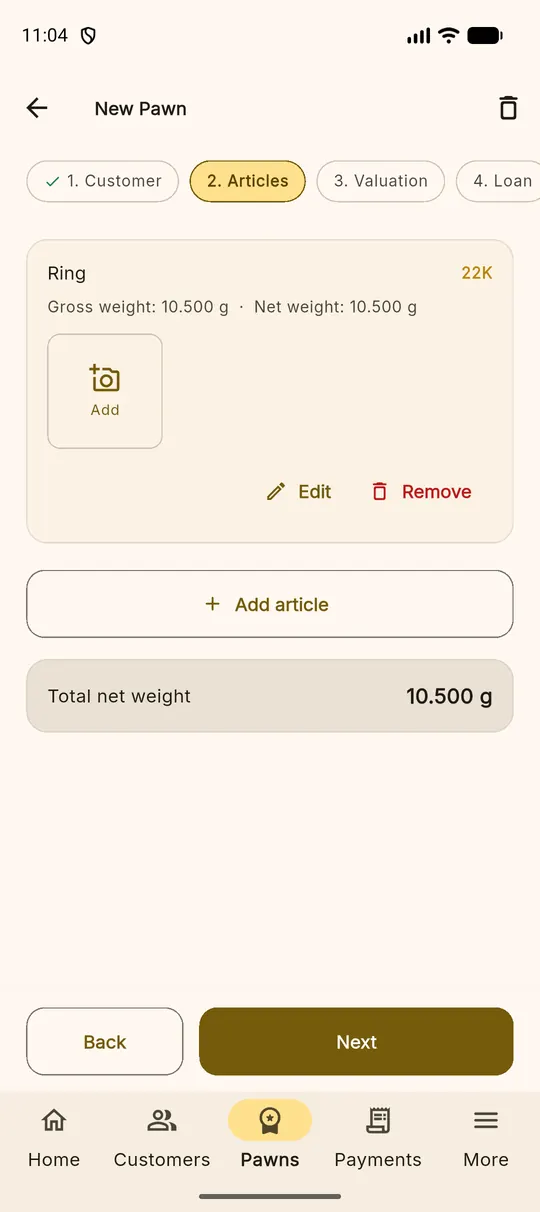
A pledge, start to finish, without leaving the counter
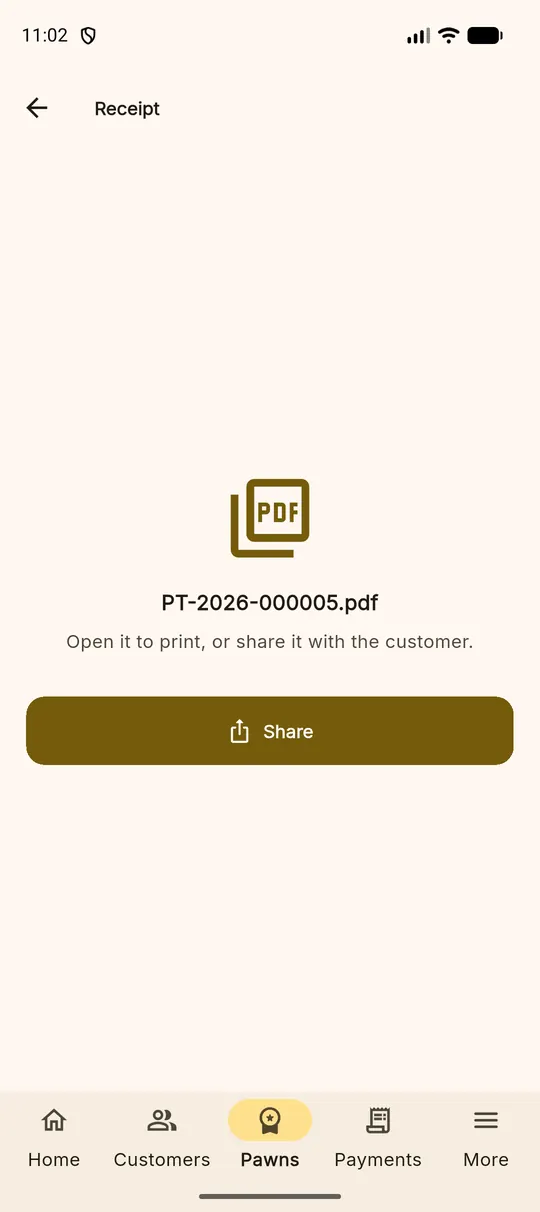
The five-step wizard is built for one thumb and a customer waiting: find the customer, add the articles, value them against today's rate, set the loan, review and save. The camera is right there for article photographs, and the finished receipt is a PDF you can print or send.
Collections are the other half of the day
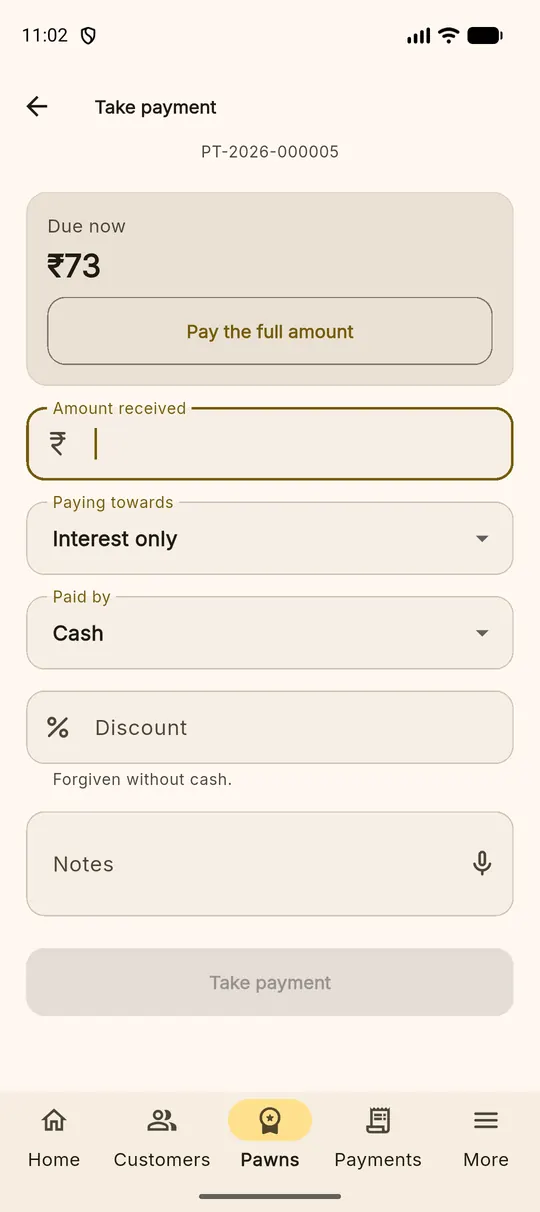
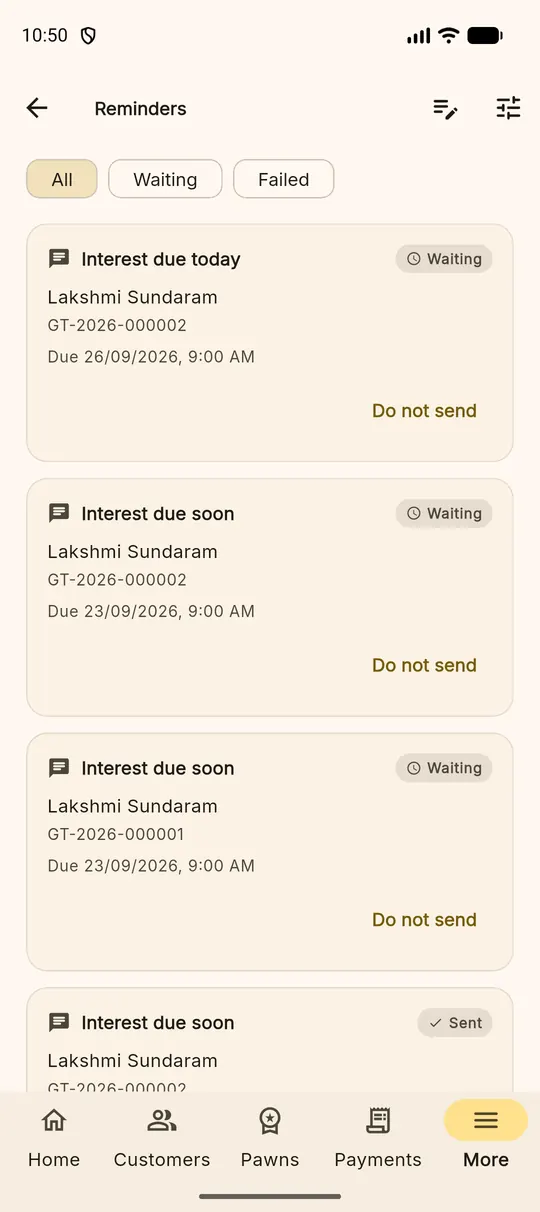
Most days you take more payments than you write pledges. The payment screen shows what is due, takes interest or part principal, allocates it and prints its own receipt. The reminders queue tells you who to chase before they go overdue rather than after.
What the app needs, plainly
- Android. Installed from the APK we provide; it is not on Google Play yet.
- A connection. The books live on the server, which is what lets your other devices and your accountant see the same figures. A weak connection retries rather than losing what you typed, and writing one pledge needs only a few seconds of signal — but there is no full offline mode, and we would rather say so than let you find out.
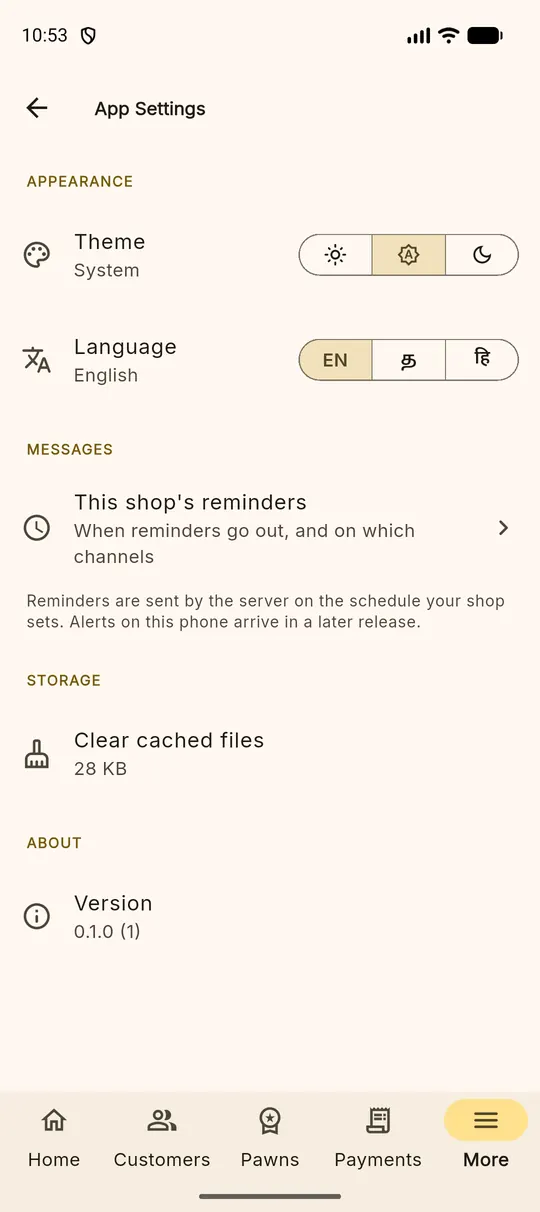
- A language, per person. English, Tamil or Hindi, chosen by each member of staff for themselves rather than for the whole shop.
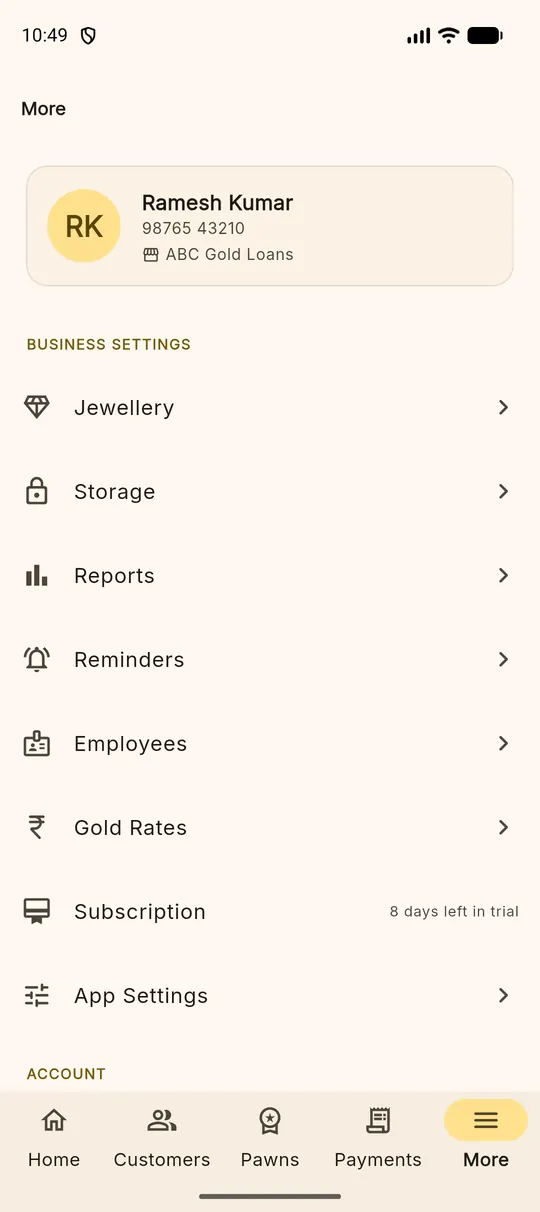
The same account opens the web portal in any browser, and it is the same data — not an export. If you are weighing up which to use for what, see the pawn shop app page.
Also on this site
The same system, from a different angle
Pawn shop app
Which surface suits which job, and why both are reading the same books.
Valuation and interestGold loan software
The rate board per karat, net weight, loan-to-value and the interest that follows.
The counterPawn shop software
Customer, pledge, article, loan, interest, payment, redemption — the whole workflow.
Try it against your own loans
Fourteen days, every feature switched on, no card. Write one real pledge and see whether the interest matches your book.