 PawnEasy Pro
Home · Pawn shop app
Pawn Shop App for Android & Web
One account, two surfaces, the same books: what the phone at the counter is better at, what the browser at the desk is better at, and how to get your shop onto both.
Two surfaces, one set of books
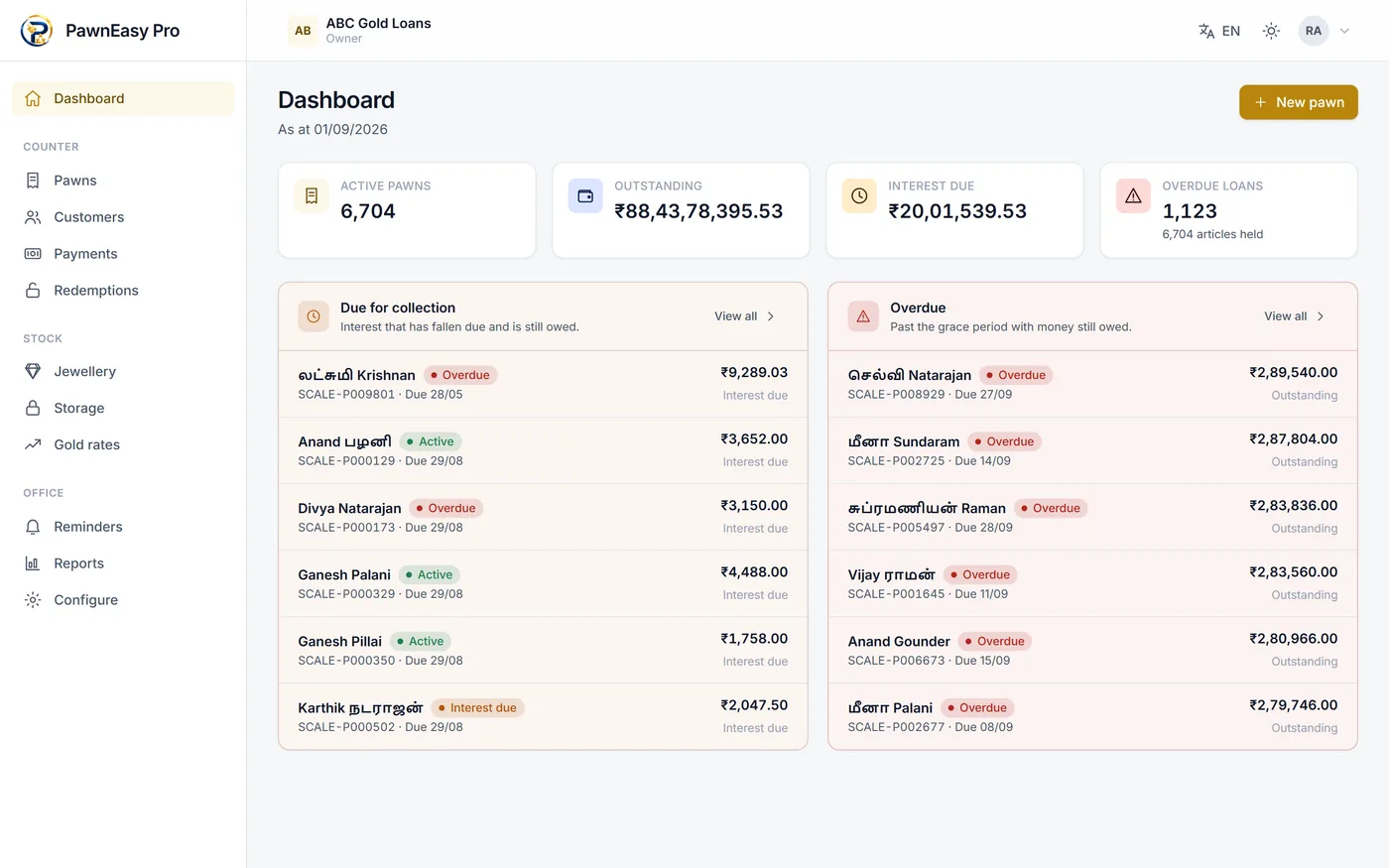
PawnEasy Pro is an Android app and a browser application, and they are not a master and a copy. Both read and write the same records on the same server, so a pledge written on the phone at the counter is on the PC at the desk before the customer has left. There is no sync step, no export, and no end-of-day upload to forget.
The question is therefore not which one to buy — you have both — but which to reach for.
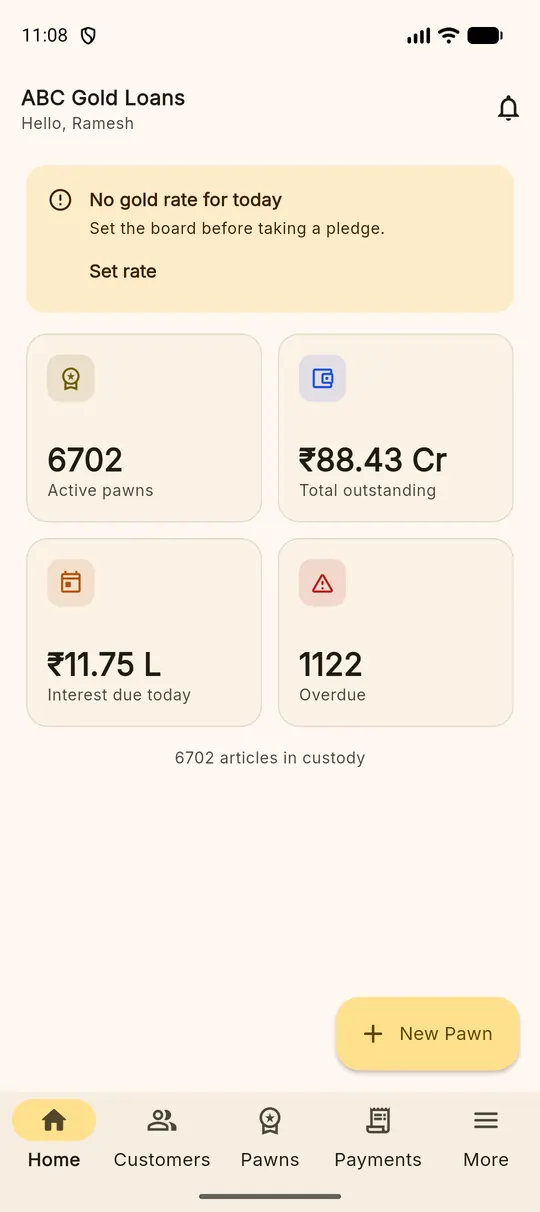
What the phone is better at
- Writing a pledge while someone waits. The wizard is built for a thumb, and the camera for article photographs is already in your hand.
- Taking a payment at the counter. Two taps from the dashboard.
- Being where the gold is. Moving an article between lockers is done standing in front of the safe, not from memory afterwards.
What the browser is better at
- Reading. A full list of pledges with filters, on a screen that shows thirty rows instead of six.
- Reports and exports. Running the day book, filtering by branch and period, and saving CSV where your accountant expects it.
- Setting things up. Schemes, branches, staff and the shop's settings are easier to get right with a keyboard.
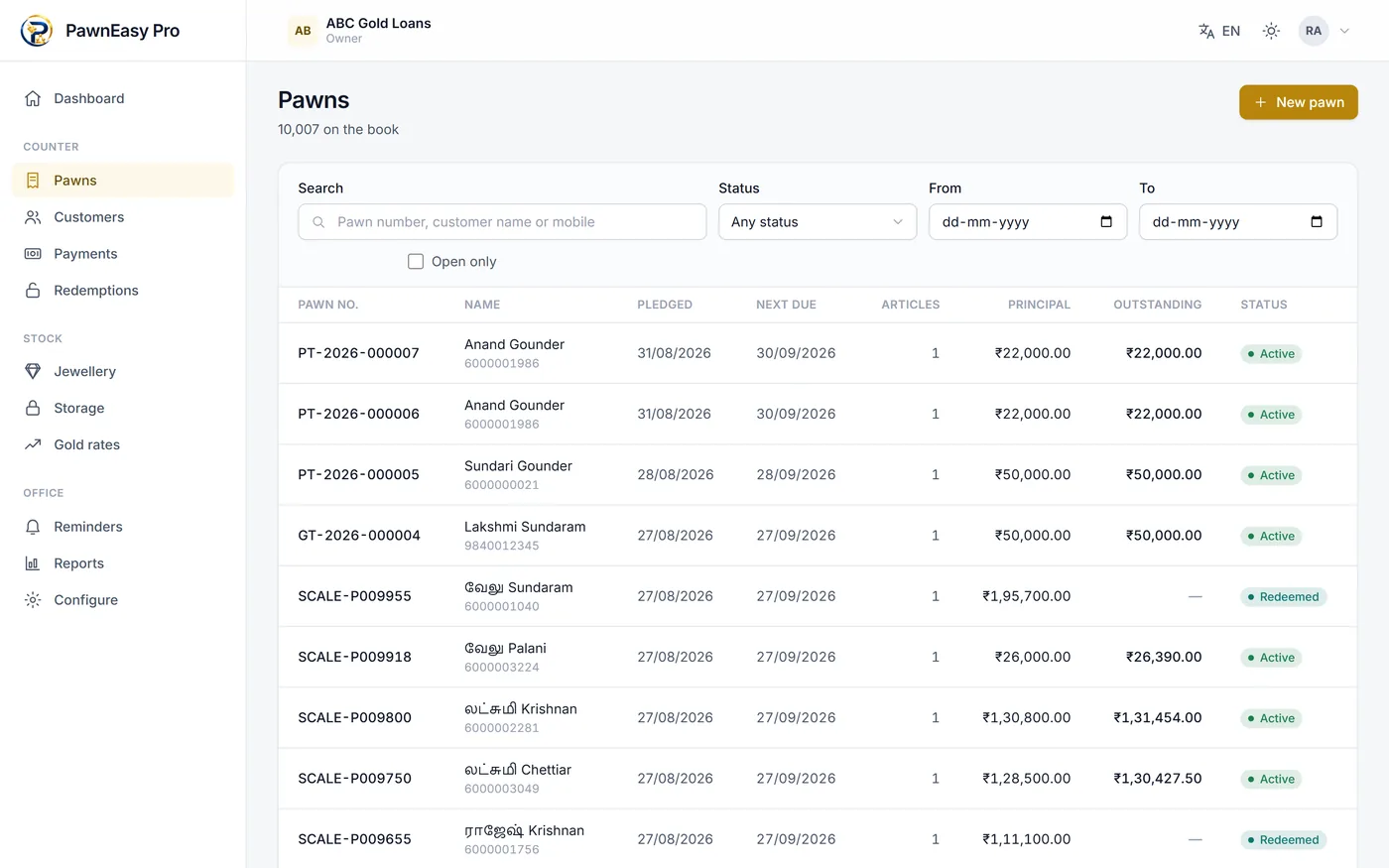
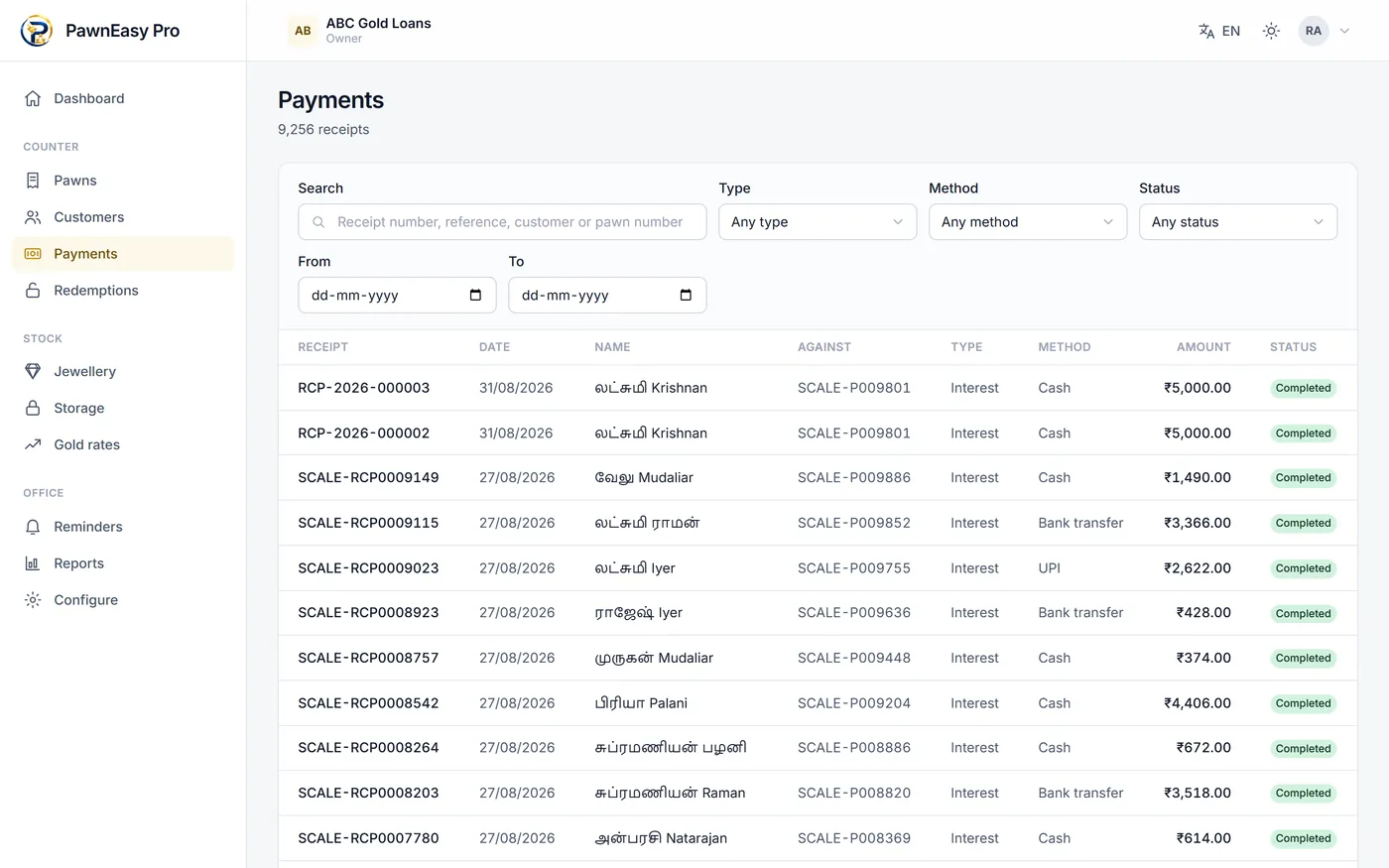
Getting the shop onto it
Create the business, set your interest schemes and today's rate board, add your staff, and start writing new pledges. Most shops leave the old book running until its loans redeem rather than typing history in — the getting started guide walks the whole thing.
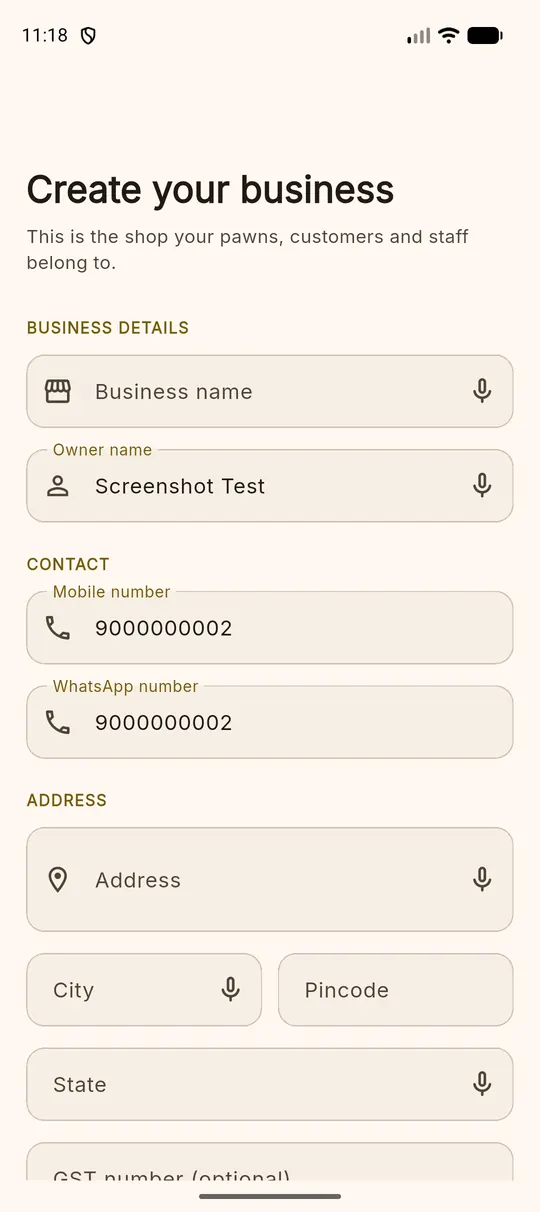
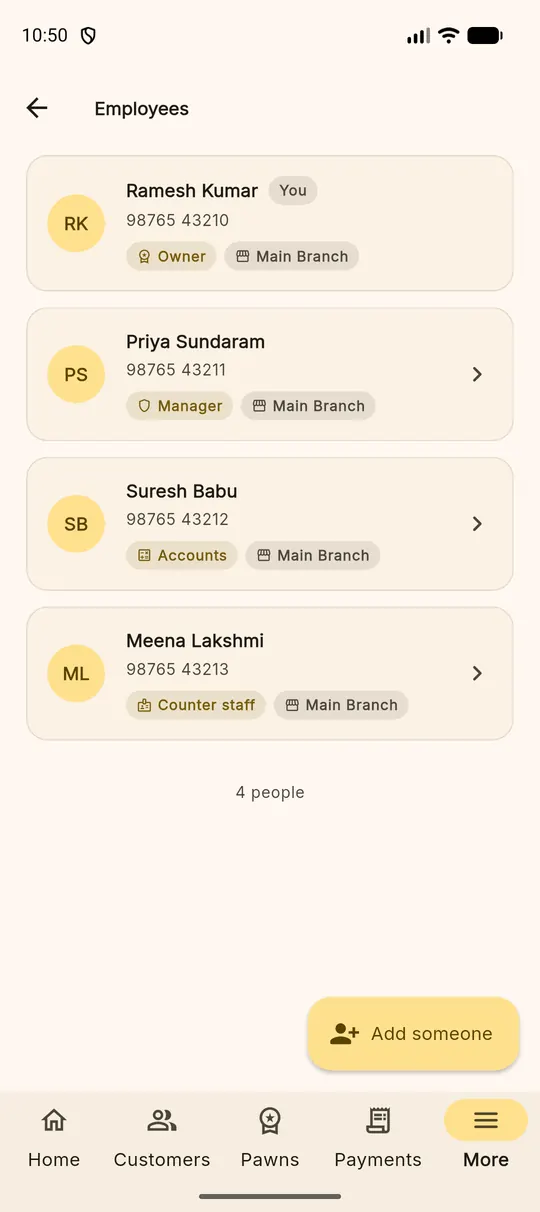
The Android side is covered in detail on the gold loan app page, and the desktop side on the web portal page. For the full feature list, see features.
Also on this site
The same system, from a different angle
Gold loan app
What the Android app does at the counter, and what it needs to do it.
The counterPawn shop software
Customer, pledge, article, loan, interest, payment, redemption — the whole workflow.
The businessPawn broker software
Branches, staff roles, KYC, custody and reminders for an Indian broking business.
Try it against your own loans
Fourteen days, every feature switched on, no card. Write one real pledge and see whether the interest matches your book.