 PawnEasy Pro
The rate board
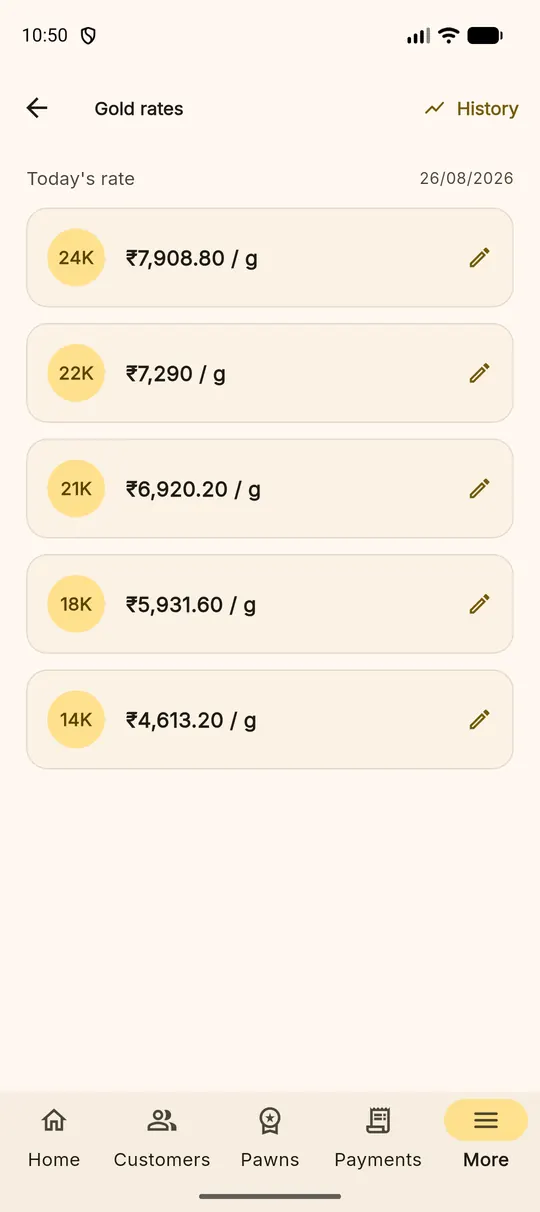
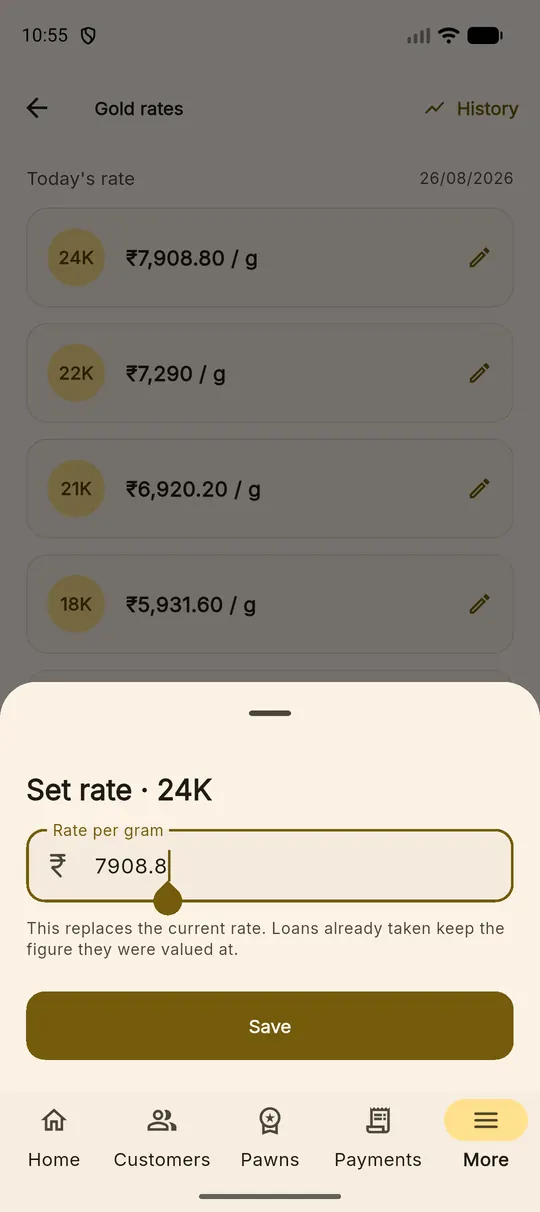
More ▸ Gold Rates shows one row per karat with today's rate per gram. Tap the pencil beside a karat, enter the figure and save. The screen tells you the date of the rate currently in force, so a rate left over from Saturday is obvious on Monday.
The rate you set for a karat is the rate for that metal — the 22K figure is what you are prepared to lend against 22K gold, not a fine-gold price to be adjusted afterwards. The wizard uses it exactly as entered.
History
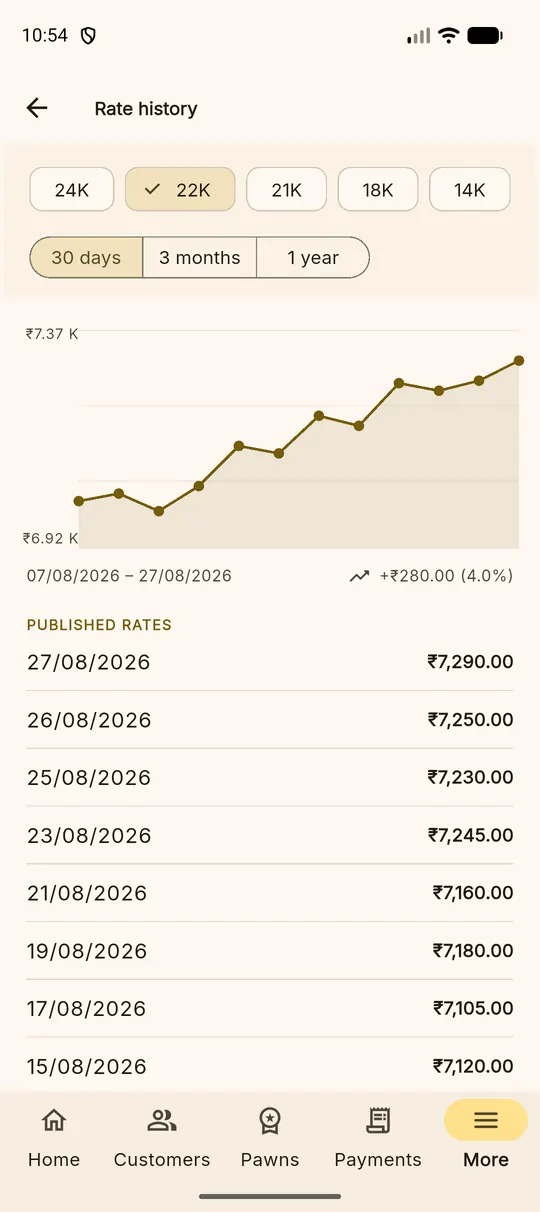
The History link at the top right lists what the board has been on previous days. Shops use it to decide today's number, and to answer a customer who asks why a loan written last month was valued differently.
Fixing a mistake is safe Correcting today's rate changes what the next pledge is valued at. Pledges already written keep the rate they were written against — they are not recalculated.
The jewellery inventory
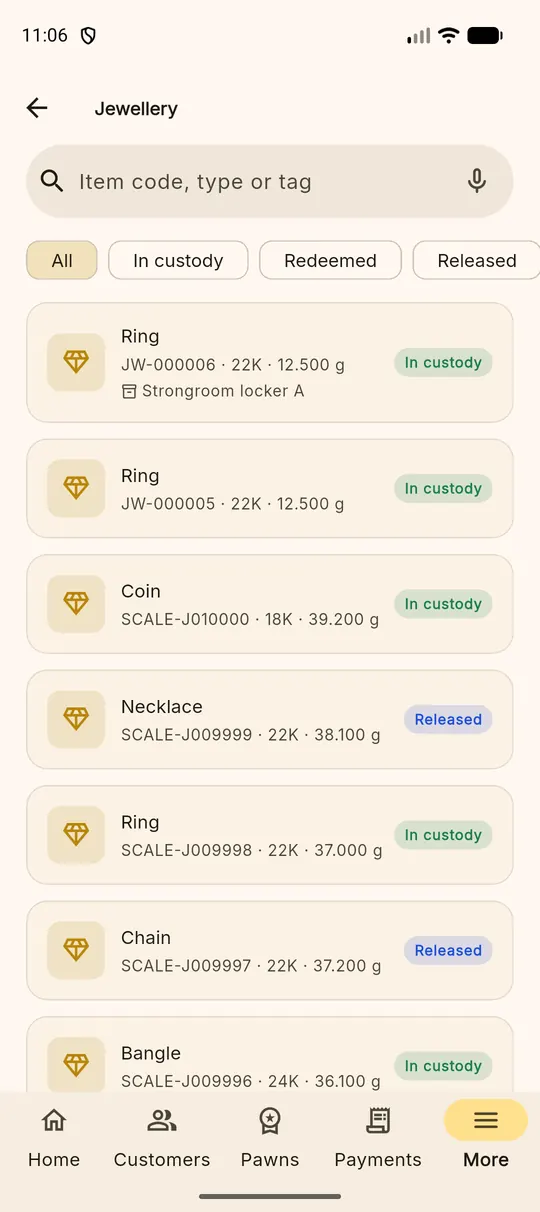
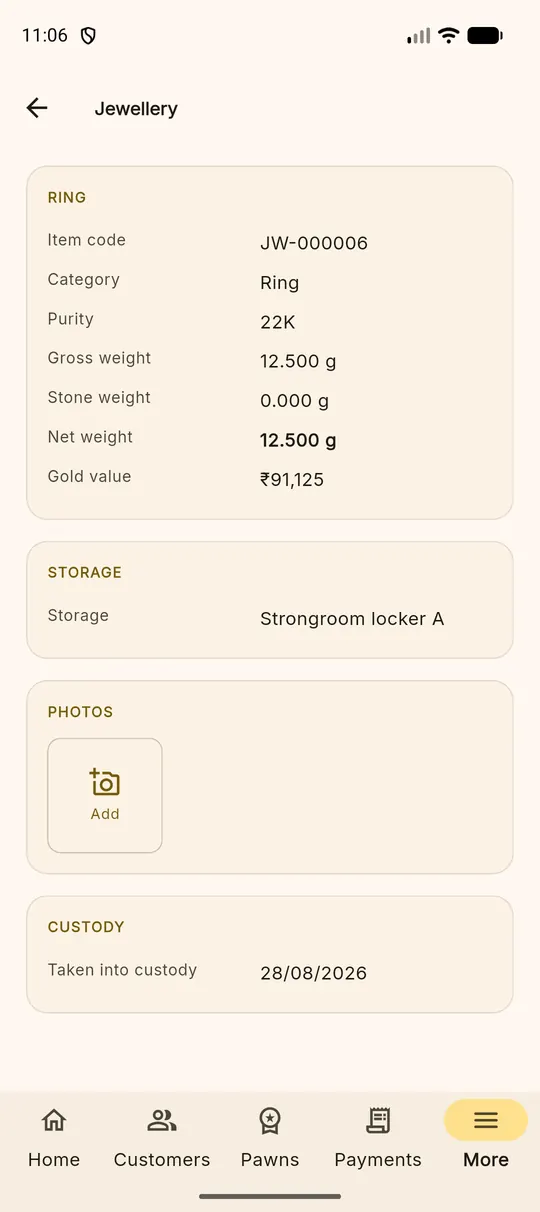
More ▸ Jewellery is every article the shop has ever taken in, with a filter across the top: All, In custody, Redeemed, Released. The search box matches item codes, types and tags.
Each article has a code of its own — JW-000006 — printed on the packet
label, so a clerk holding a packet can find its loan in seconds rather than leafing
through a register.
The strongroom
Where the inventory answers "what is this packet?", More ▸ Storage answers the opposite question: "what is in this locker?" Each location shows how many articles it holds, their weight, and a bar for how full it is. Tap one to see the articles inside.
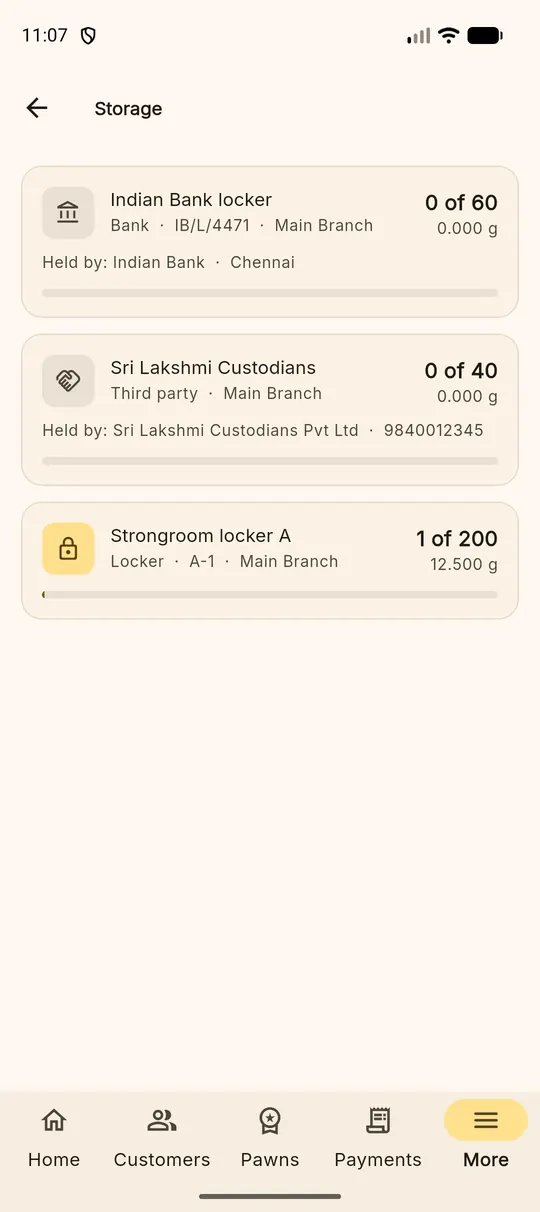
Three types of location
| Type | Meaning | Also records |
|---|---|---|
| Locker | On your own premises | Branch, capacity |
| Bank | A bank locker | Which bank, which branch, contact |
| Third party | A custodian who holds it for you | Who, and a phone number |
Locations are created and edited in the web portal under Configure ▸ Stock. The app's storage page is deliberately read-only: gold is not moved by tapping a phone, it is moved by a person, and the movement is recorded when it happens.
What the app refuses, and why
- A retired location — you closed it, so nothing new goes in.
- A location in another branch — gold cannot be in Erode and Karur at once. A location with no branch is company-wide and takes anything.
- A full locker — checked for the whole packet before the first article goes in, so three bangles into two free slots is refused at the counter rather than halfway through.
Unplaced articles Articles taken in without a location show in their own group on the storage page. They are in your custody and on the loan — they simply have no shelf recorded yet.
The custody trail
Every article carries an append-only history: taken into custody at intake, placed, moved between locations, released at redemption. Nothing is edited or removed. When an auditor, a partner or a customer asks where a piece has been, the article's own page answers.