 PawnEasy Pro
Taking a payment
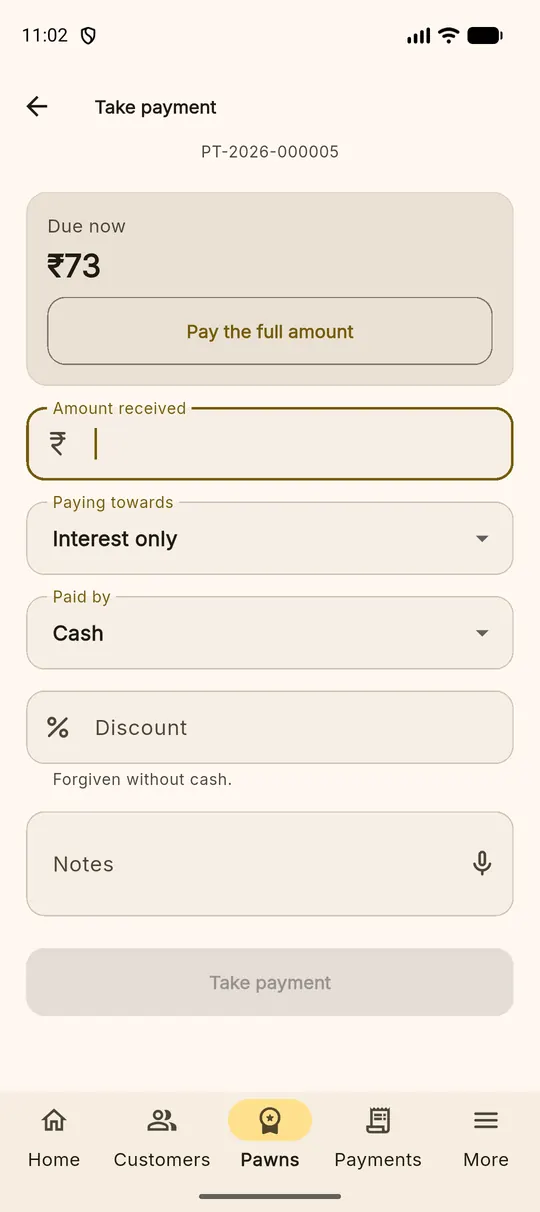
Open the loan — search the loan number or the customer's name in the Pawns tab — and tap Pay. The screen opens with Due now at the top and a Pay the full amount button that fills the field for you.
| Field | What it does |
|---|---|
| Amount received | The cash actually taken. It can be less than what is due. |
| Paying towards | Interest only, or interest and principal together |
| Paid by | Cash, bank transfer or UPI |
| Discount | Interest you are forgiving — recorded as forgiven, never as cash that arrived |
| Notes | Anything worth remembering about this payment |
Tap Take payment and the money is allocated in the fixed order — penalty, then interest, then principal — and a numbered receipt is produced. The loan's Overview and Payments tabs update at once.
A part payment is normal, not an exception A customer who pays ₹500 against ₹730 of interest is recorded exactly that way: the balance stays on the loan and keeps accruing. Nothing needs to be rounded or fudged to make the system accept it.
Closing a loan and releasing the gold
When the customer comes to take their articles back, open the loan and tap Redeem. The screen leads with To close today — principal plus interest to this moment — and says how many articles will be released.
Fill in what you received, how it was paid, and any discount you are giving. Then the part that paper registers usually get wrong:
Handover
The person collecting the gold is often not the borrower — a son, a wife, a neighbour, a driver. Record who actually took it: their name, their relationship to the borrower, and their ID if you take one. It costs ten seconds and settles any later dispute about who has the chain.
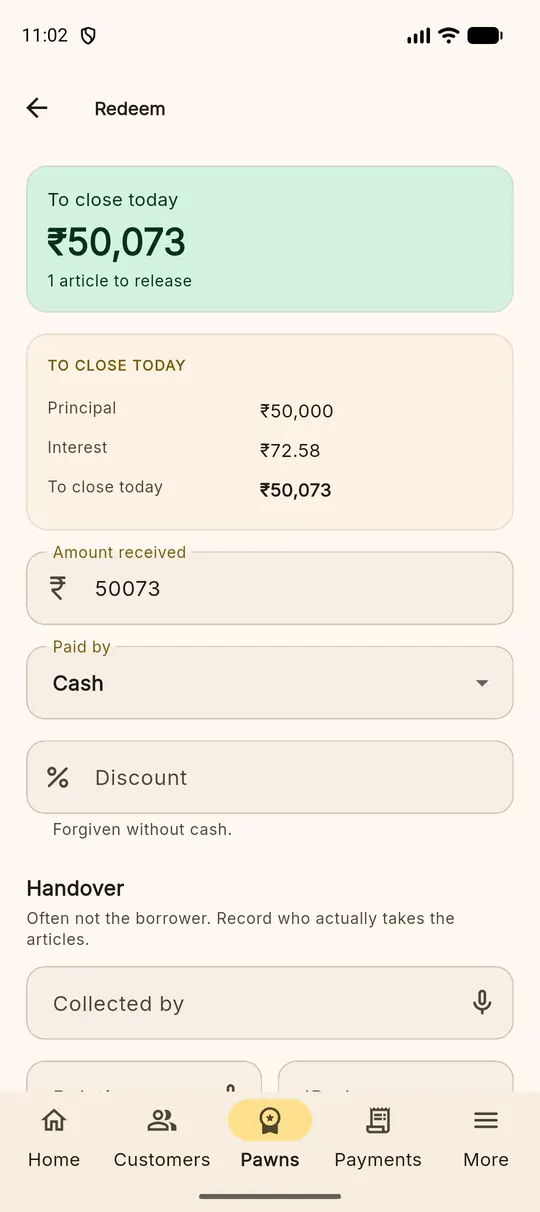
Completing the redemption closes the loan, releases every article from custody — the movement is written to each article's trail — and produces a redemption receipt.
Finding a receipt again
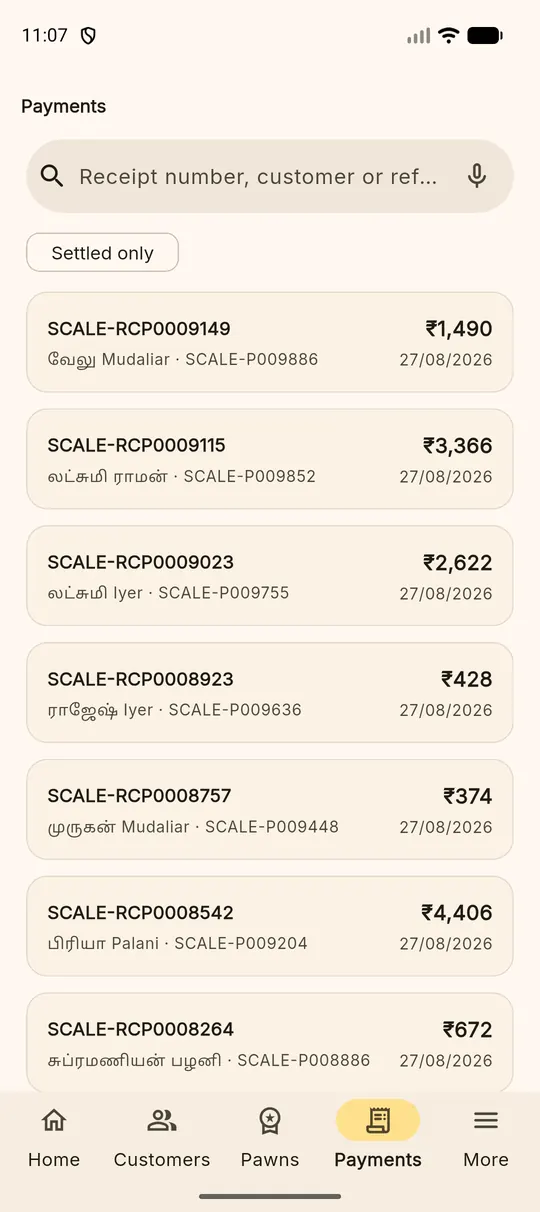
The Payments tab is the receipt book: every payment and redemption, newest first, searchable by receipt number, customer name or reference. A Settled only filter hides anything reversed.
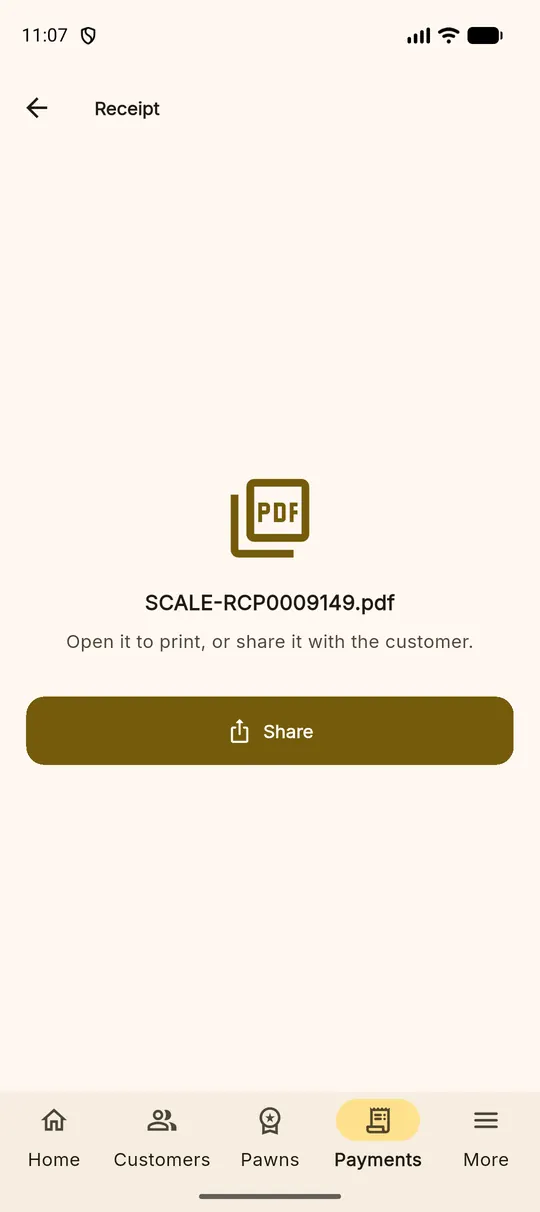
Tap any entry to open its receipt — a numbered PDF you can print for the customer or send on WhatsApp with the Share button.
If a payment was wrong
Payments are never quietly edited or deleted. A wrong entry is reversed: the reversal is recorded with a reason, both lines stay in the daybook, and the loan goes back to where it was. Anyone reading the book next year can see what happened and why — which is the whole point of keeping one.
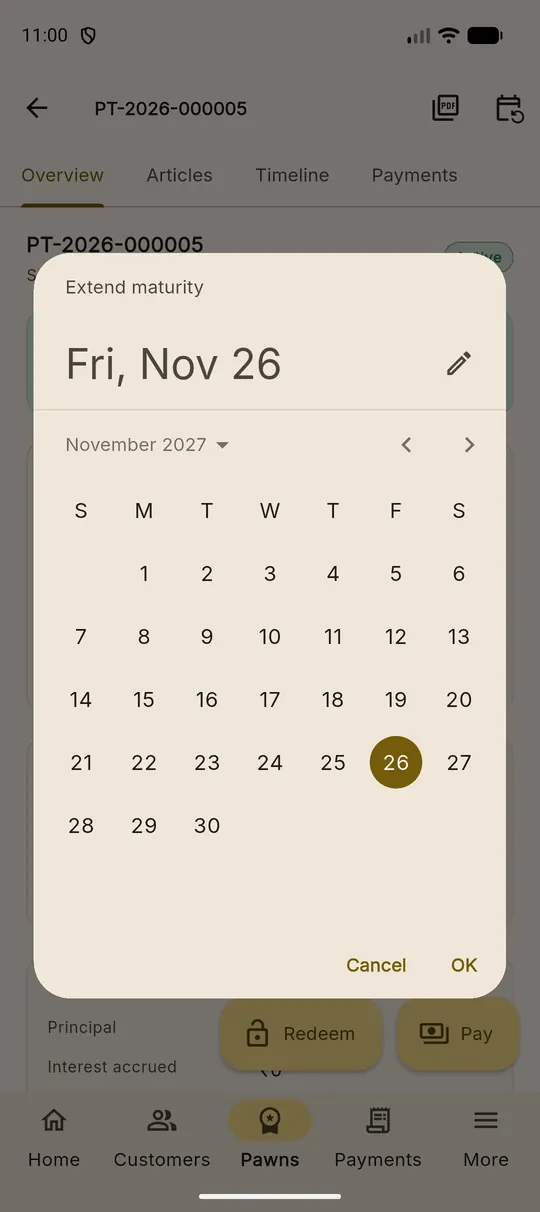
Giving a customer more time
If a customer cannot redeem by the maturity date, open the loan and use the calendar icon at the top right to extend the maturity date. The loan keeps its terms and its history; only the date moves, and the change is on the timeline.